Business Websites
Modern, responsive websites built around your business and customers.
Freelance Web Developer in Blackburn
I create modern, responsive and user-friendly websites designed to help businesses build a stronger online presence.
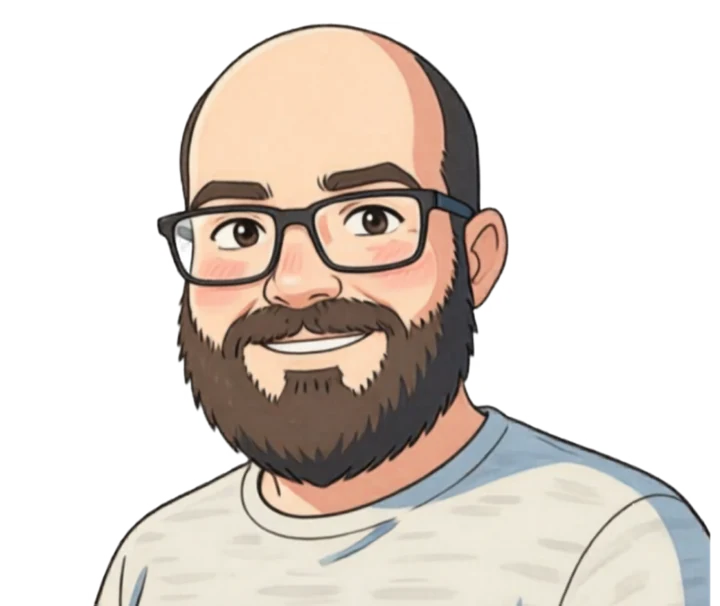
I'm Waqar Hussain, a web developer based in Blackburn, United Kingdom. I build clean, practical websites for businesses that need a professional online presence without unnecessary complexity.
Whether you need a new business website, an online shop, WordPress development or ongoing maintenance, I focus on usability, mobile performance and a clear customer journey.
Blackburn, Lancashire, UKPractical web solutions for businesses that want to launch, improve or maintain their online presence.
Modern, responsive websites built around your business and customers.
Professional online stores with a clear and simple buying experience.
WordPress websites, customisation, improvements and content updates.
Website updates, troubleshooting, security and ongoing support.
A straightforward process from your initial idea to a finished website.
We define your goals, requirements and the website you need.
I structure the pages and create a clean visual direction.
Your responsive website is built and tested across screen sizes.
Final checks are completed and your website goes live.
Tell me what you need and I'll get back to you about your project. Quotes are free and there's no obligation.
Prefer to email directly?
info@waqarweb.com